Before the day
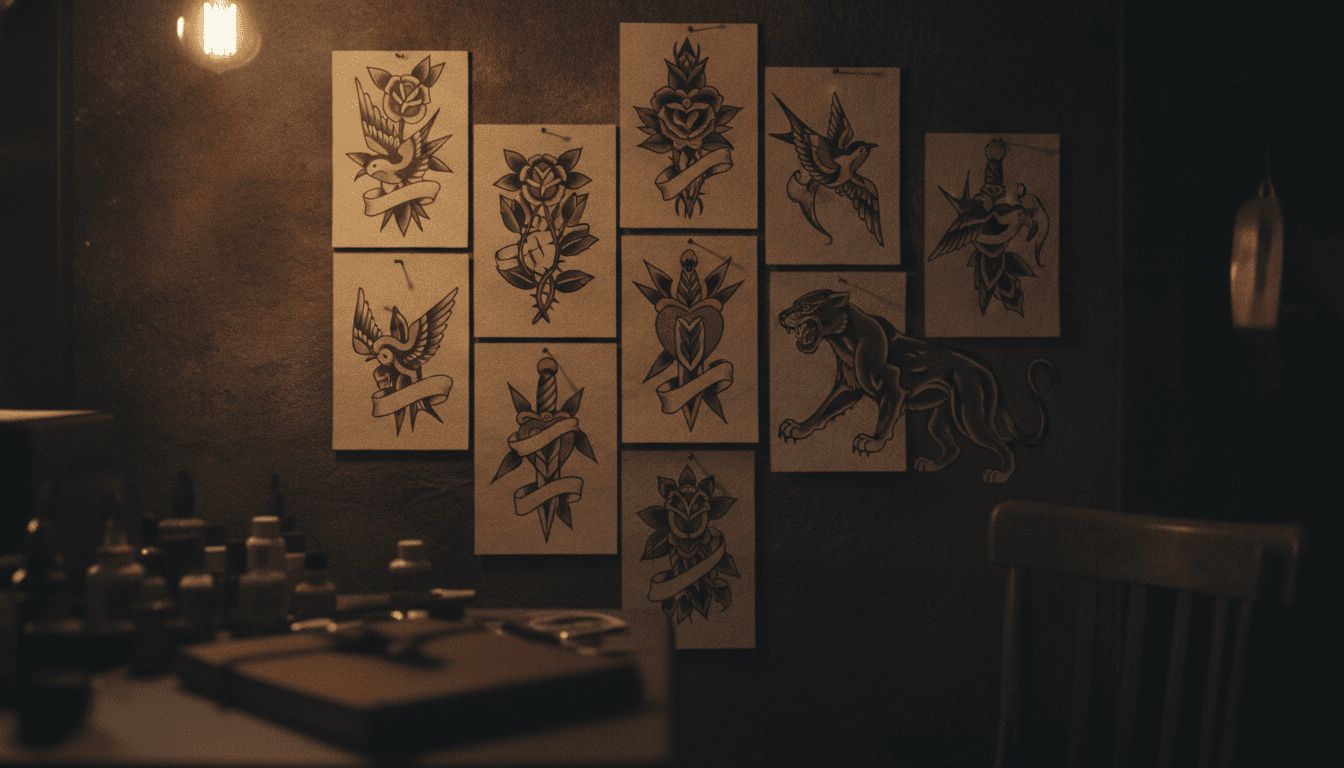
- Draw the flash sheet: designs you can tattoo quickly, in a few sizes, each with its price next to it.
- Choose walk-ins, booked slots, or both: walk-ins make the queue part of the event, slots spare your clients the wait.
- Set a fixed price per design, and say whether colour or placement changes it.
- Prepare more stations than usual: single-use supplies, stencils printed in advance.
- Say how payment works: card, cash, and whether gift cards are accepted.
Getting the word out
Announce the designs and booking arrangements on the channels your clients use. If you plan to send a promotional text, check their marketing choices and the rules that apply to your studio first. Having a client’s phone number alone does not establish permission to send a campaign.
| Where | What | |
|---|---|---|
| Two weeks before | Instagram, your website | The date, a few designs, the rules |
| One week before | A text to past clients | The date and a link to the designs |
| The day before | Instagram stories | The full sheet and the opening time |
Frequently asked questions
Should I take deposits for a flash day?
For booked slots, yes: a small deposit cuts the no-shows. For walk-ins, the queue does the job.
How many designs should a flash sheet have?
Enough for choice without slowing the day down: designs that differ in size and style, each one you can do in the time a slot allows.